The Virtual Jaguar app
A standalone desktop front end for the same core. It runs on macOS,
Windows and Linux with no RetroArch installed, and it drives the core
through the same retro_* API RetroArch uses, so every core
option and save state behaves the same in both. New in v3.9.0; it carries
the core’s version number.
Two ways to play: the RetroArch core, or this app. The core is not going away, and nothing here changes how it works. Jump to the screenshots.
Get it
The packages are attached to each
GitHub release next to the core builds,
and listed in that release’s SHA256SUMS.txt. Direct
links to the current files are on the
Download page.
| System | Package | Notes |
|---|---|---|
| macOS | VirtualJaguar-3.9.0-macos-universal.zip |
Virtual Jaguar.app, Apple Silicon and Intel, macOS 11
or later. Zip only, no disk image. |
| Windows x64 | VirtualJaguar-3.9.0-windows-x64.zip,
...-windows-x64-setup.exe |
The zip is portable: portable.txt keeps settings in a
data folder beside the program. The installer is
per-user by default. |
| Windows ARM64 | VirtualJaguar-3.9.0-windows-arm64.zip,
...-windows-arm64-setup.exe |
Native builds for Windows on Arm, portable zip or per-user installer. New in this release. |
| Linux x86_64, aarch64 | VirtualJaguar-3.9.0-linux-<arch>.AppImage,
virtualjaguar_3.9.0_<amd64|arm64>.deb |
Built on Ubuntu 22.04. The .deb installs under
/usr/lib/virtualjaguar with a link in
/usr/bin. |
| Linux x86_64 (Flatpak) | VirtualJaguar-3.9.0-linux-x86_64.flatpak |
Install it with flatpak install --user; the runtime
comes from Flathub. New in this release. |
Or use the installer, which can install the core, the app, or both:
macOS, Linux
curl -fsSL https://raw.githubusercontent.com/libretro/virtualjaguar-libretro/develop/tools/install.sh | sh -s -- --what appWindows (PowerShell)
$env:VJ_WHAT = 'app'; irm https://raw.githubusercontent.com/libretro/virtualjaguar-libretro/develop/tools/install.ps1 | iex
--what takes core, app or
both; the installer verifies each download against
SHA256SUMS.txt. More options, and the PowerShell
alternatives, are on the home page.
Nightlies carry the app too. Nightly app builds are
rebuilt from develop on every push and linked from the
pinned builds issue; the rolling
nightly
prerelease carries the core. Add --channel nightly to the
installer to get the nightly builds. They are gated on compiling, not on
the test suite.
Signing. The macOS app is signed with a Developer ID and notarized by Apple, so it opens without a Gatekeeper prompt. The Windows installer is not code-signed yet, so SmartScreen may warn. Builds you make yourself, and builds from forks, are unsigned until you sign them. Packaging, signing and the package-manager templates are in app/packaging/README.md.
System requirements
- macOS 11 or later (Apple Silicon or Intel), 64-bit Windows (x64 or ARM64), or a 64-bit Linux desktop (x86_64 or aarch64).
- A GPU and driver with OpenGL 3.3. The shaders need the librashader runtime, which the macOS and Windows packages bundle; on Linux install a librashader package (see the notes under the shader pictures).
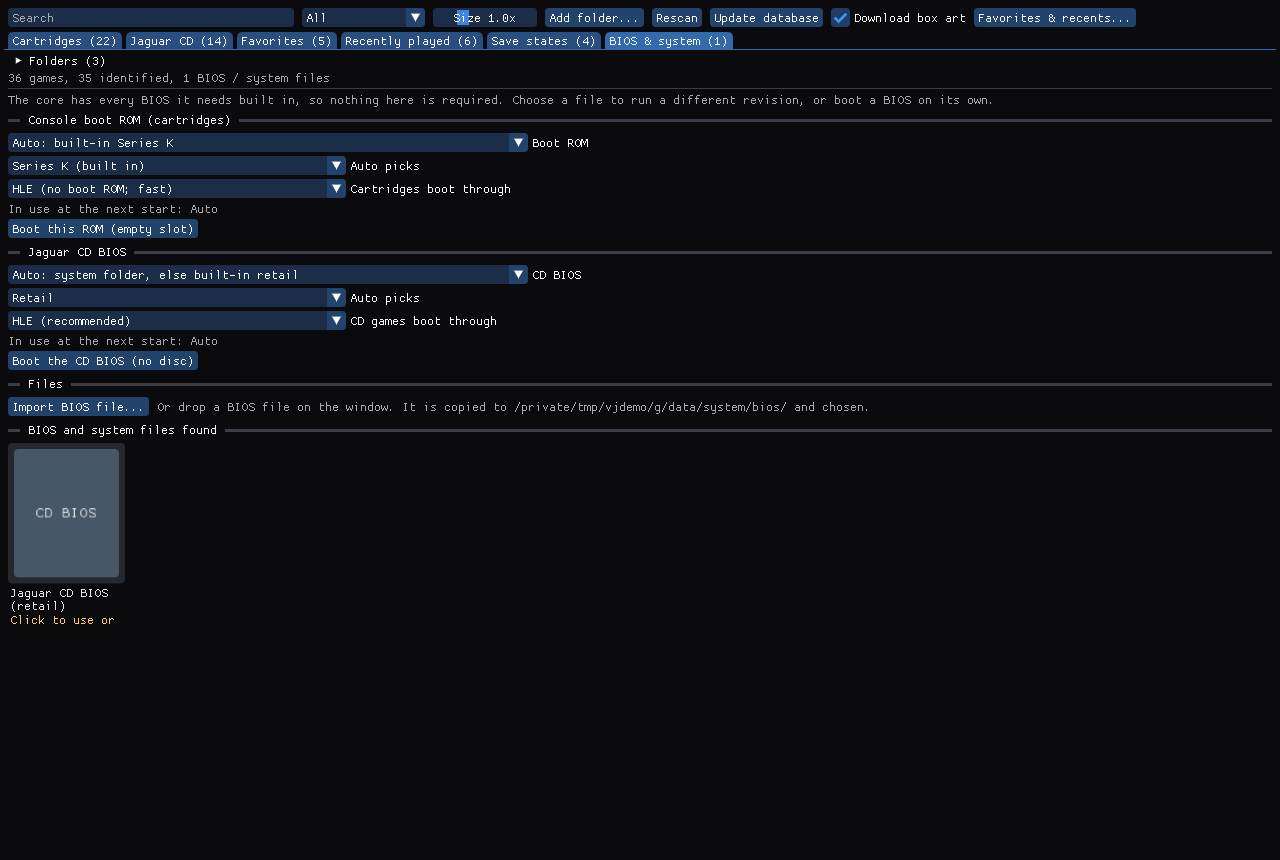
- No BIOS file is needed: the core has the boot ROM and the CD BIOS built in. A game controller is optional; the keyboard plays.
Screenshot gallery
Click a picture to enlarge it; Esc closes the viewer and the arrow keys move between pictures. The pictures are real captures of the app with a demo library (no personal data, no signed-in account).
Library & artwork
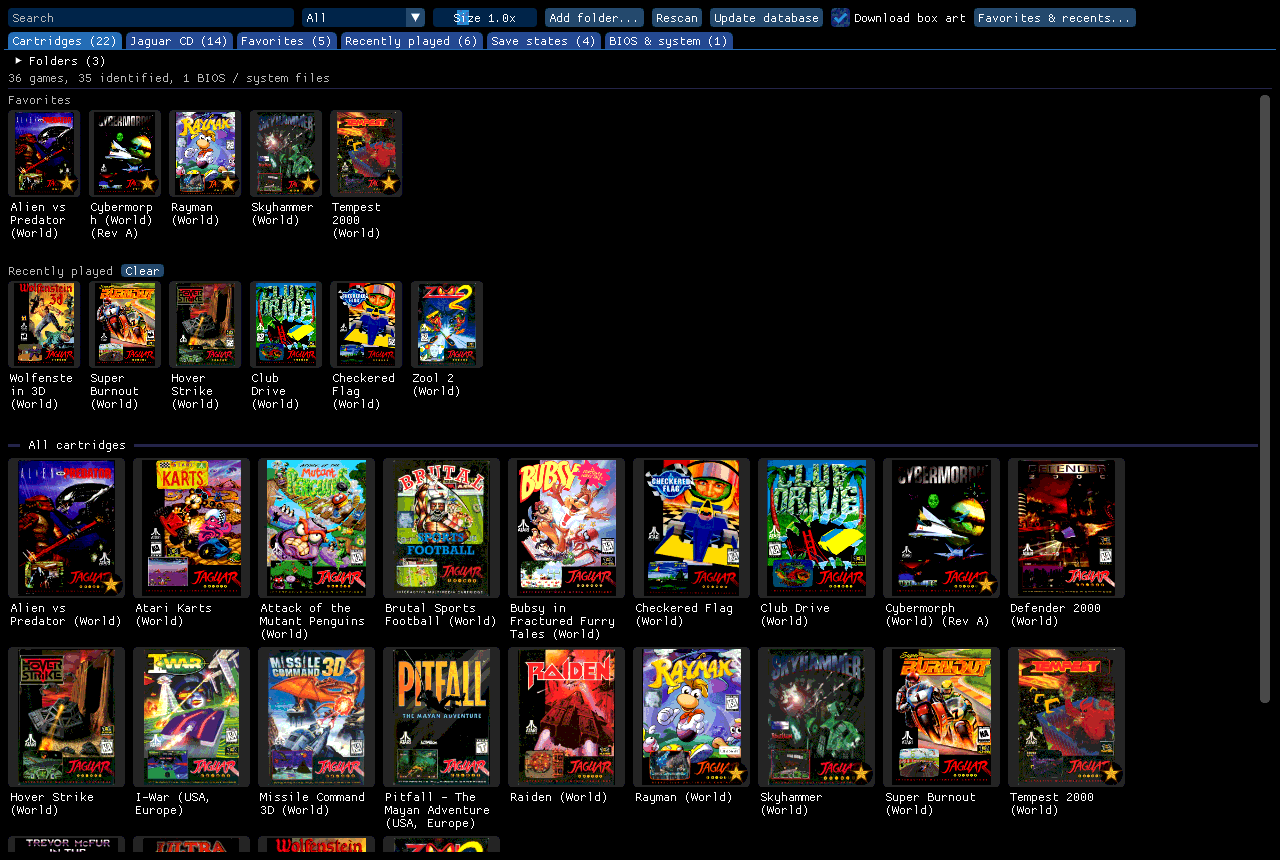
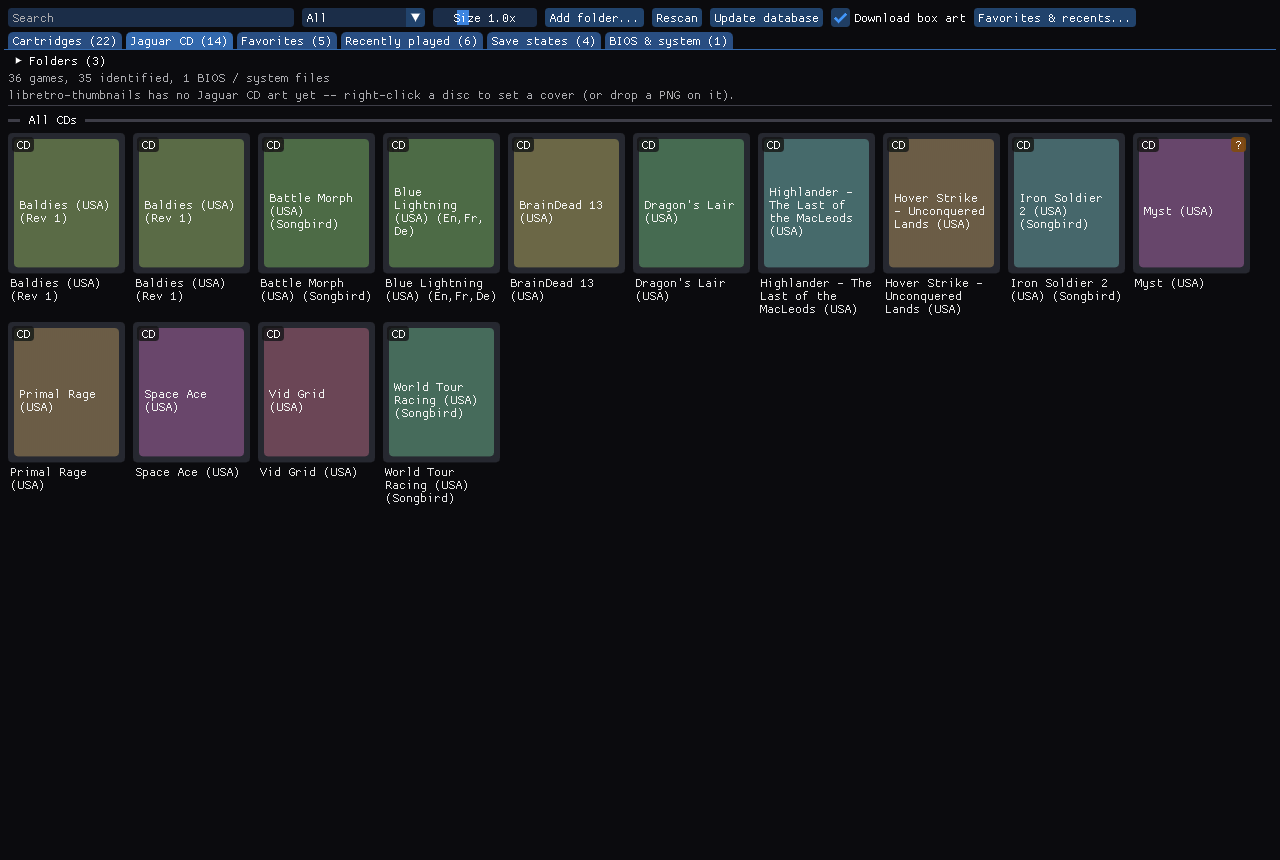
- Your games on the home screen, in Cartridges, Jaguar CD and BIOS & system tabs, with search, filters and a size slider.
- Identified by CRC32 against the libretro database (No-Intro, Redump); box art comes from libretro-thumbnails on demand and is cached.
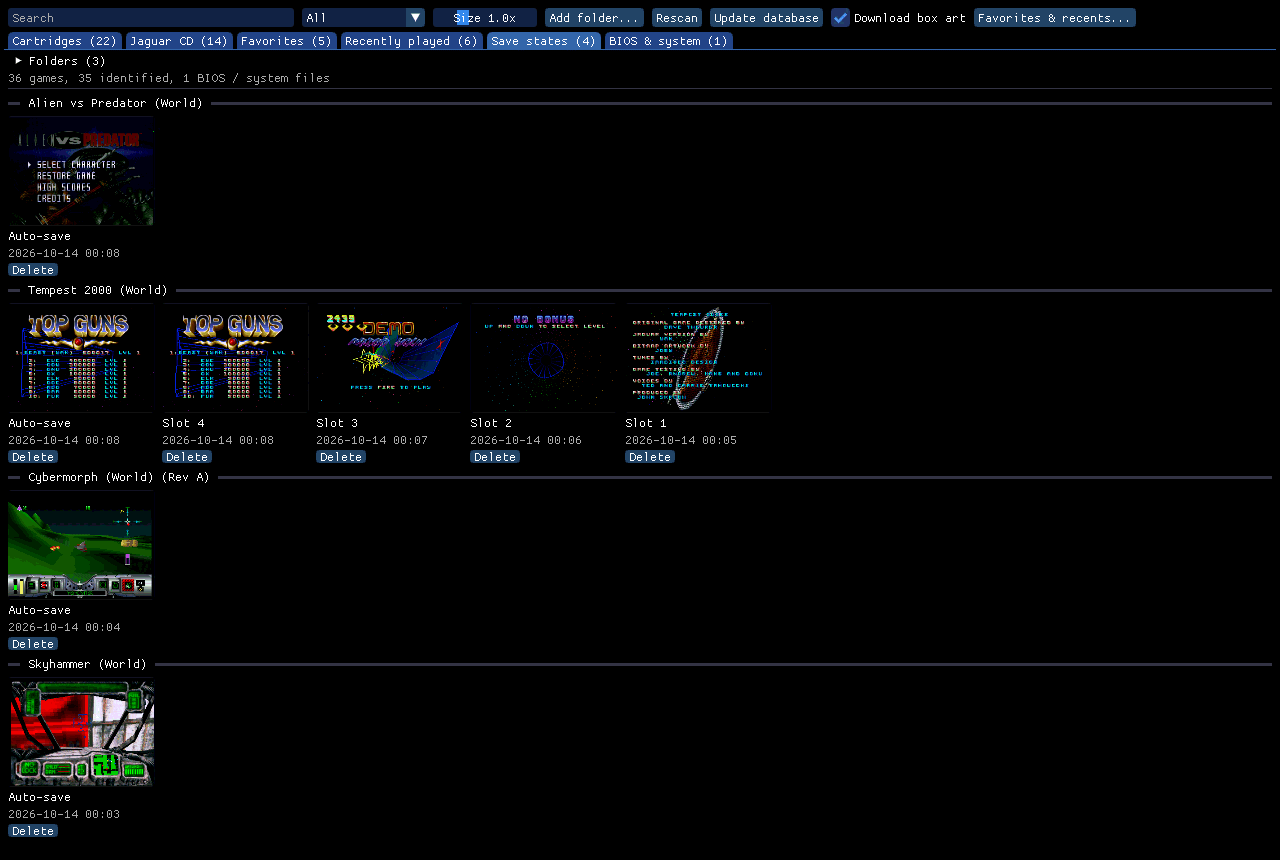
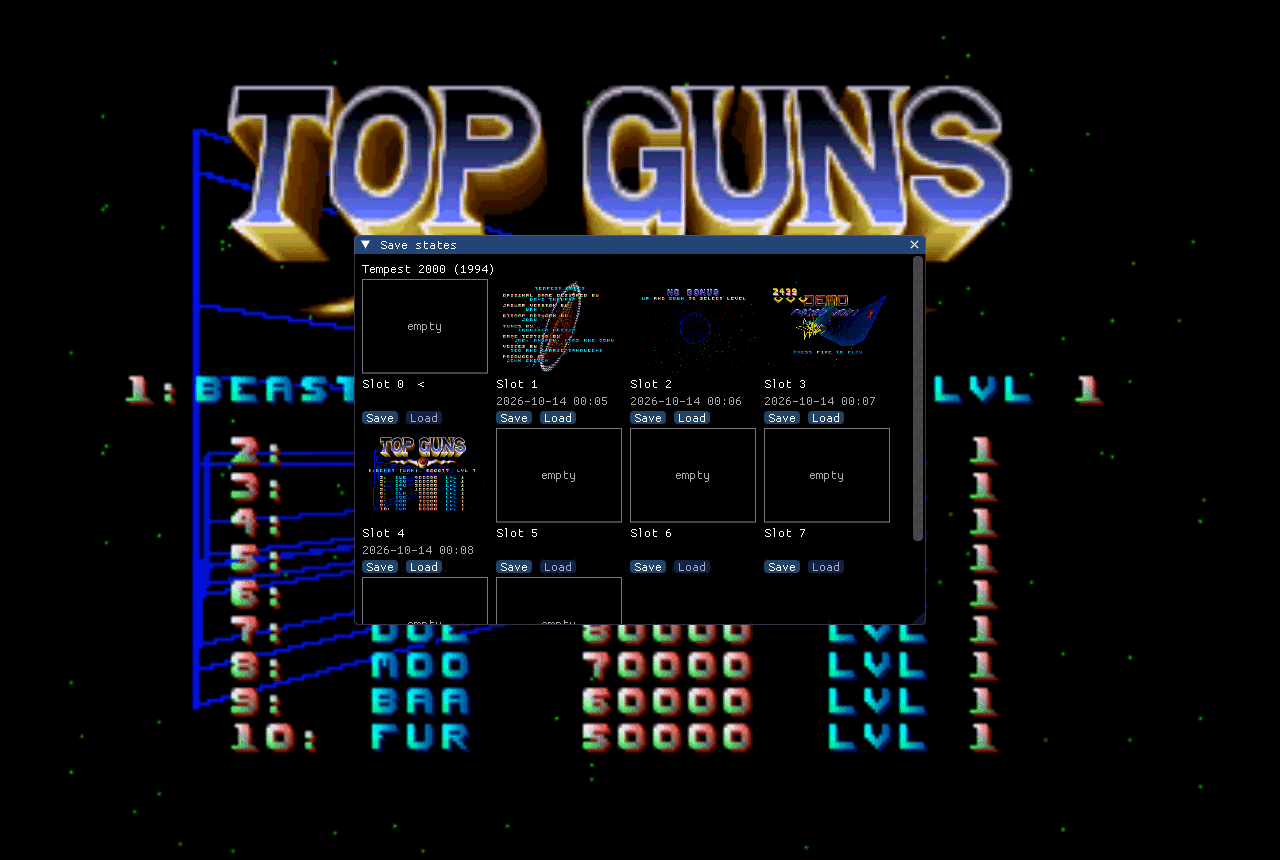
- Favorites and Recently played, as tabs, strips or both; a Save states tab lists every game with states.
- Covers for Jaguar CD: a readable title card, or your own PNG.
Playing
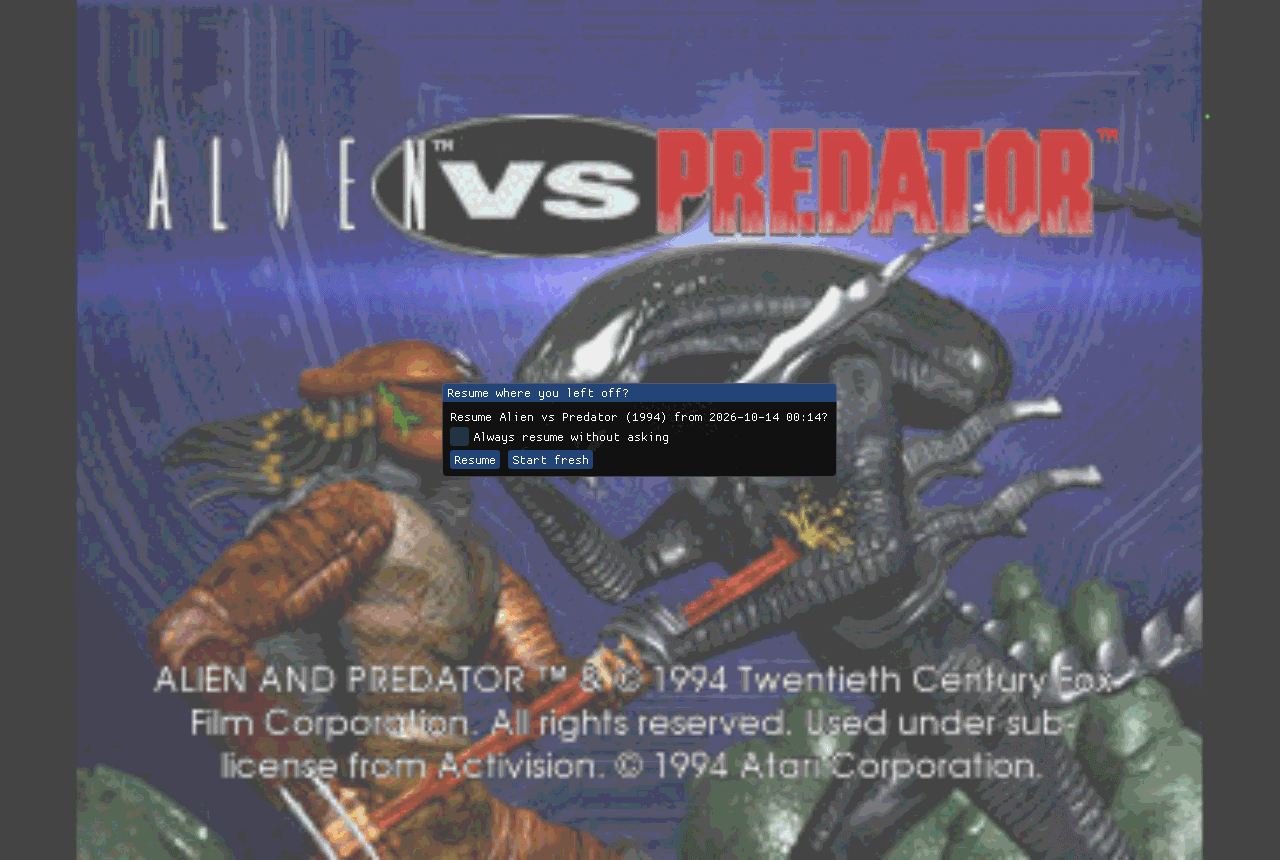
- Save states with thumbnails (F5, F6, F7) and a state manager; Resume where I left off keeps an Auto-save when you close a game.
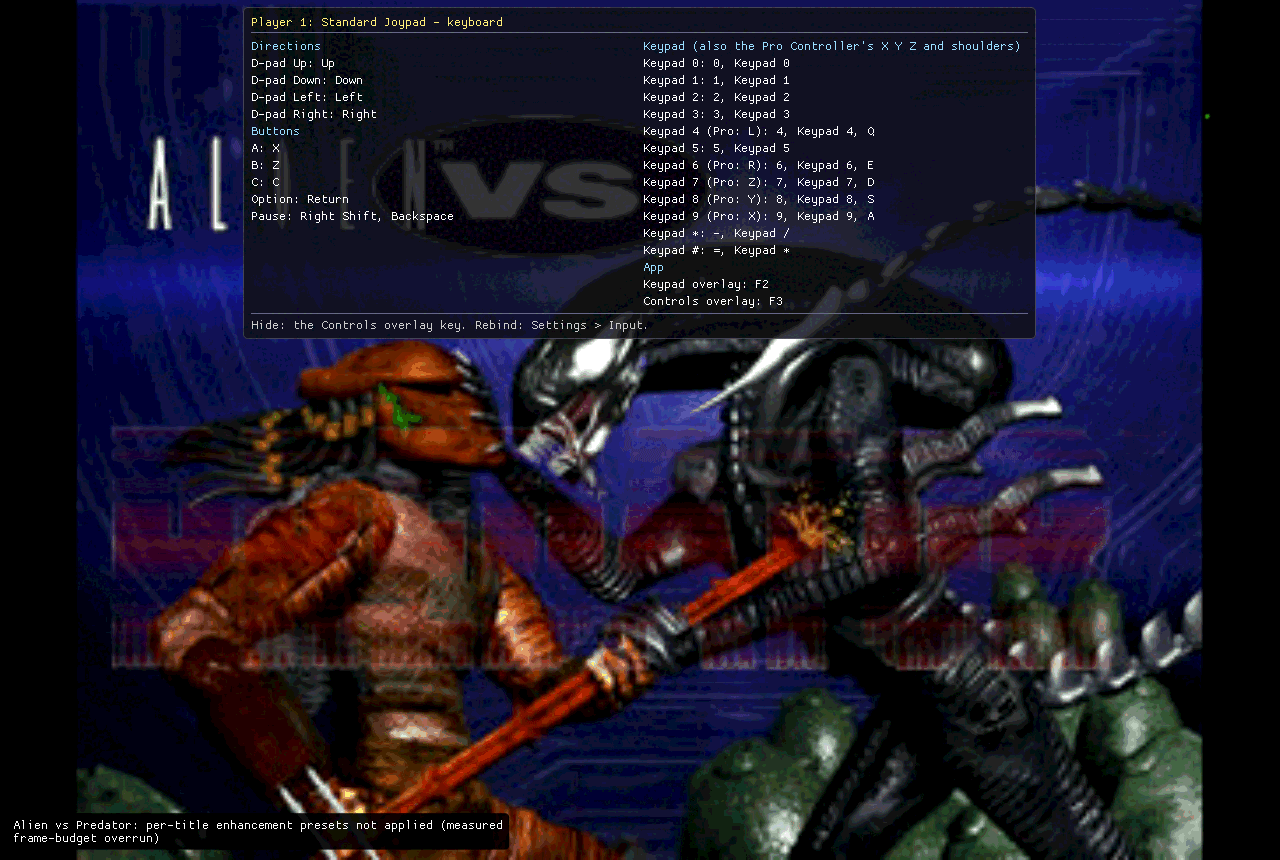
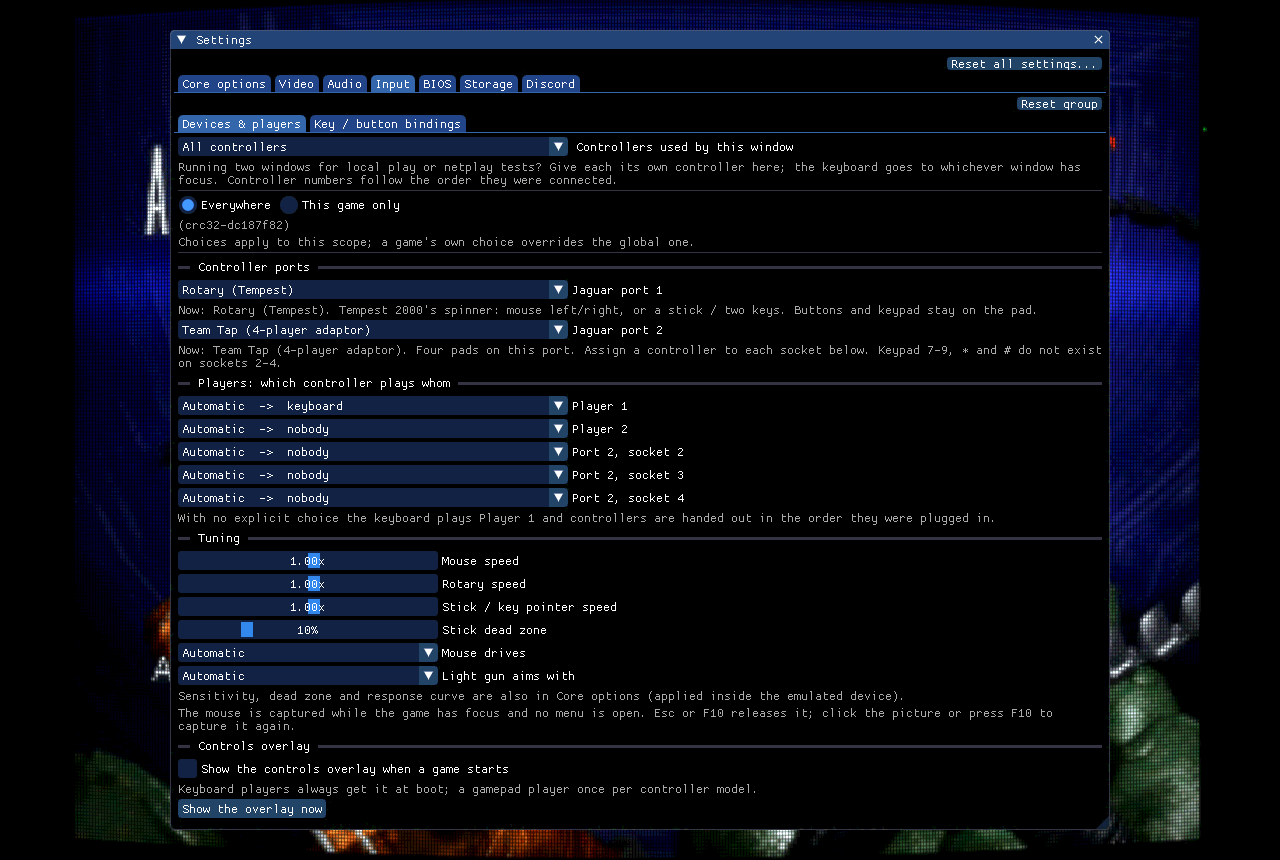
- Per-device and per-game remapping, all 12 keypad keys on a gamepad, the Tempest rotary, mice, light gun and Team Tap.
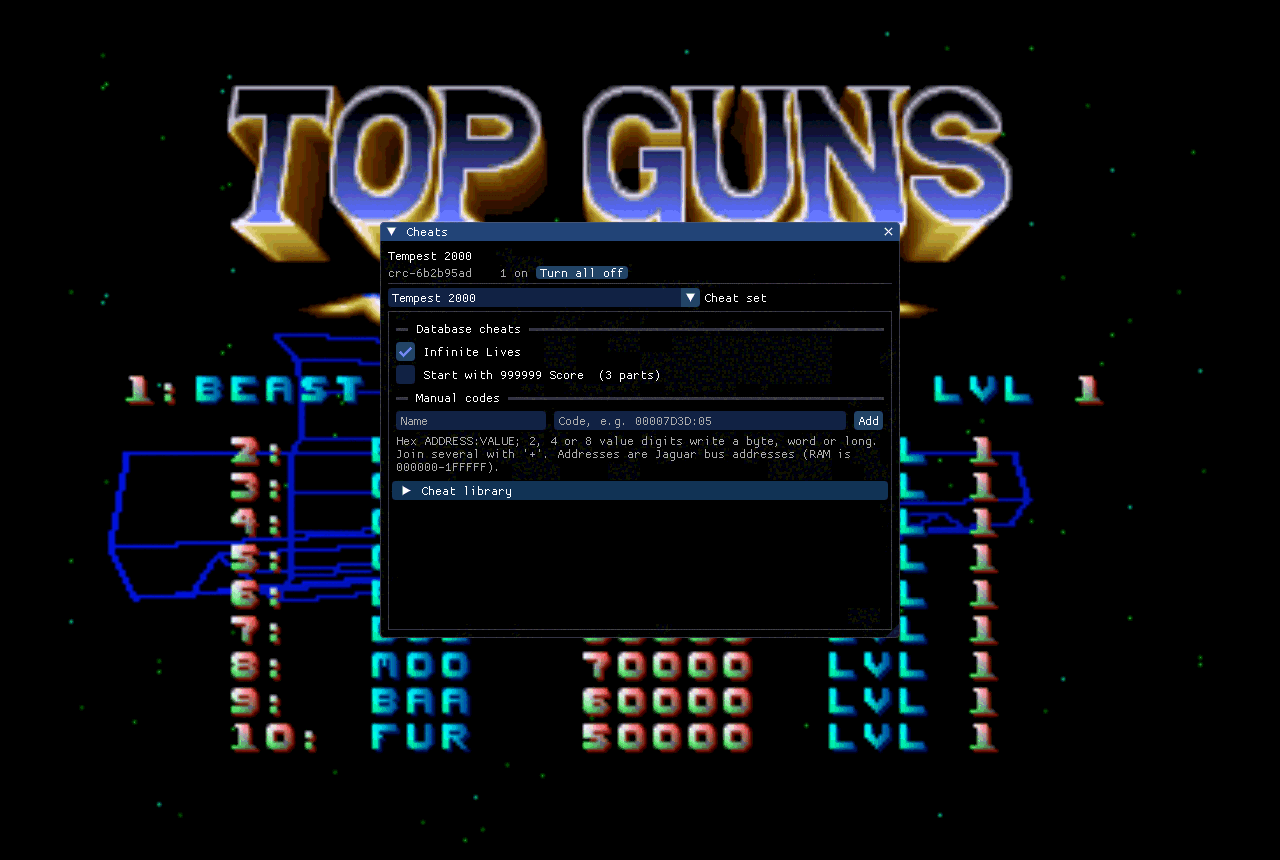
- Cheats from the libretro database, plus manual codes.
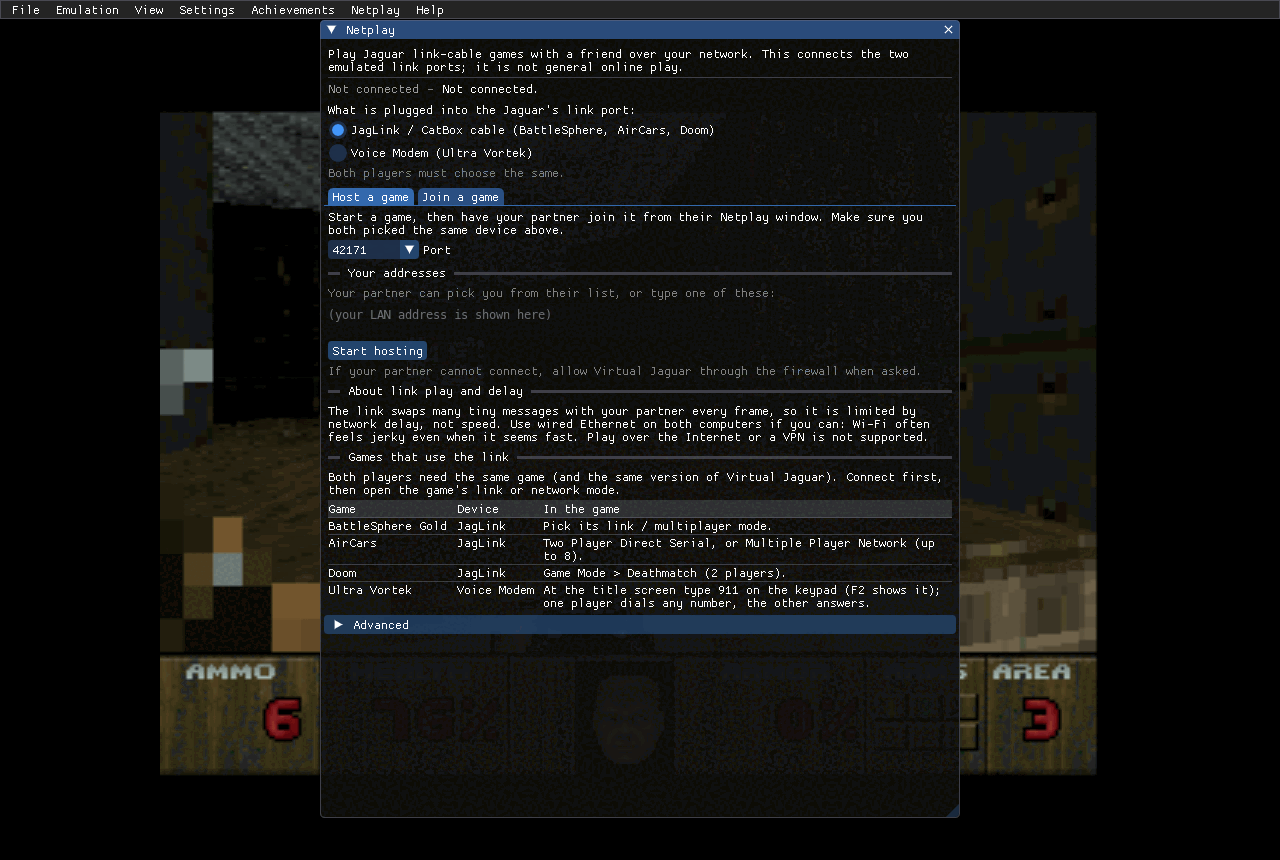
- Netplay for the link-cable games (Doom, BattleSphere, AirCars, Ultra Vortek) on a local network; it is not rollback netplay and not for the Internet.
- Several windows at once (File > New window) for local multiplayer or netplay tests on one machine.
Look & feel
- Dark, light or custom themes (a theme editor with a contrast check), and your choice of interface font at 11 to 24 pt.
- RetroArch
.slangpshader presets through librashader, with the slang-shaders CRT, scanline and interpolation families bundled; aspect fit, integer scaling or stretch. - Native menus: the macOS menu bar and Dock menu, the Windows dark title bar and Jump List, Linux desktop actions; windows can be dragged out of the main window.
The same saved moment, plain and through the bundled
crt-gdv-mini-ultra-trinitron preset (an aperture-grille,
Sony Trinitron style look). Both use aspect fit: the picture keeps its
4:3 shape and is letterboxed, never stretched.
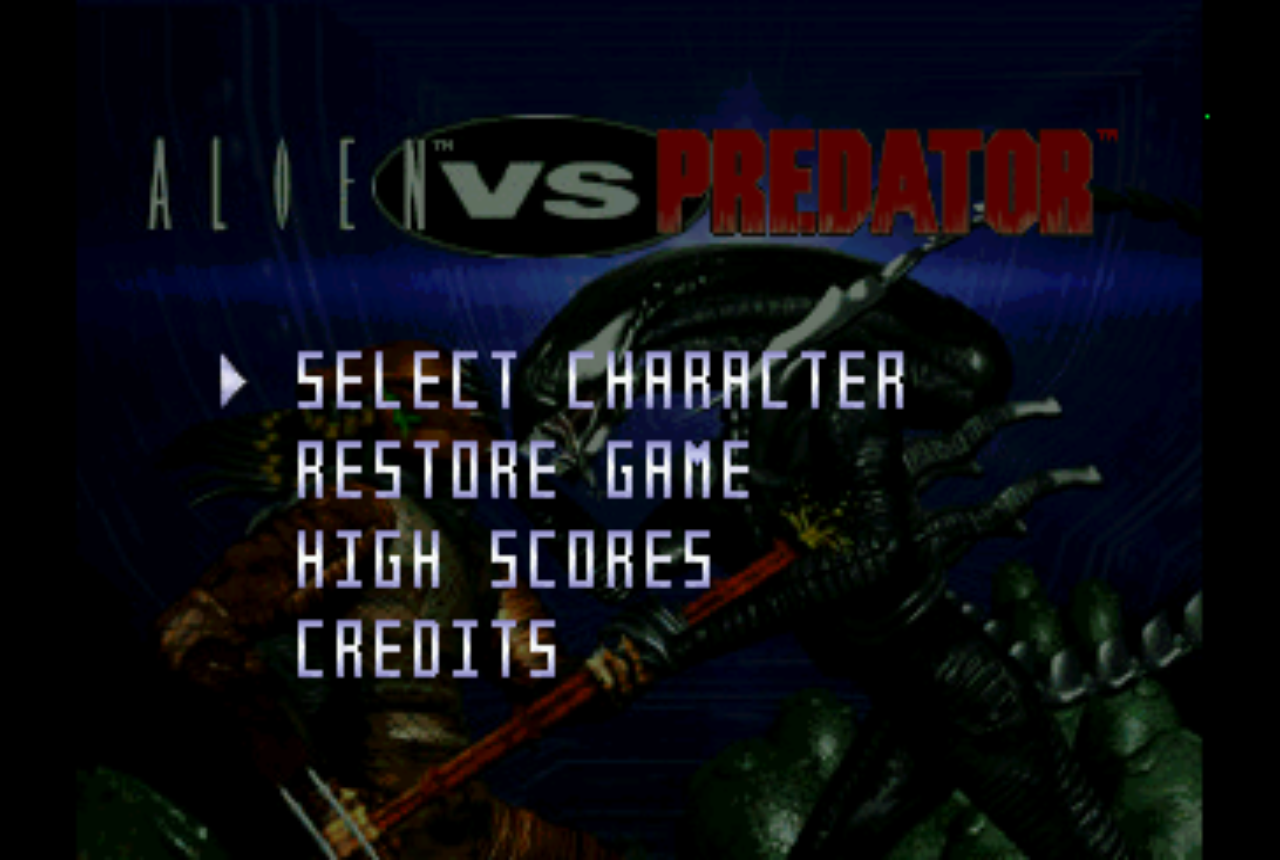
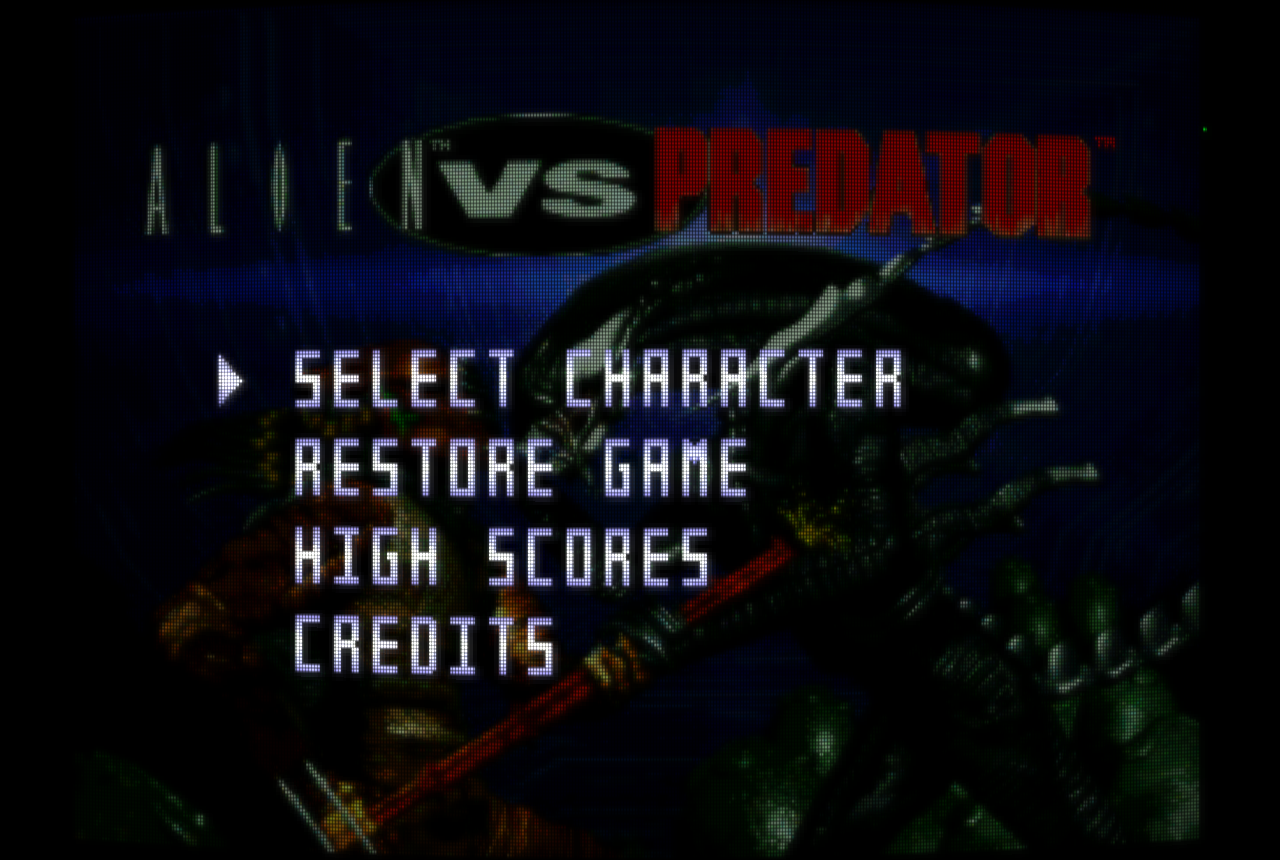
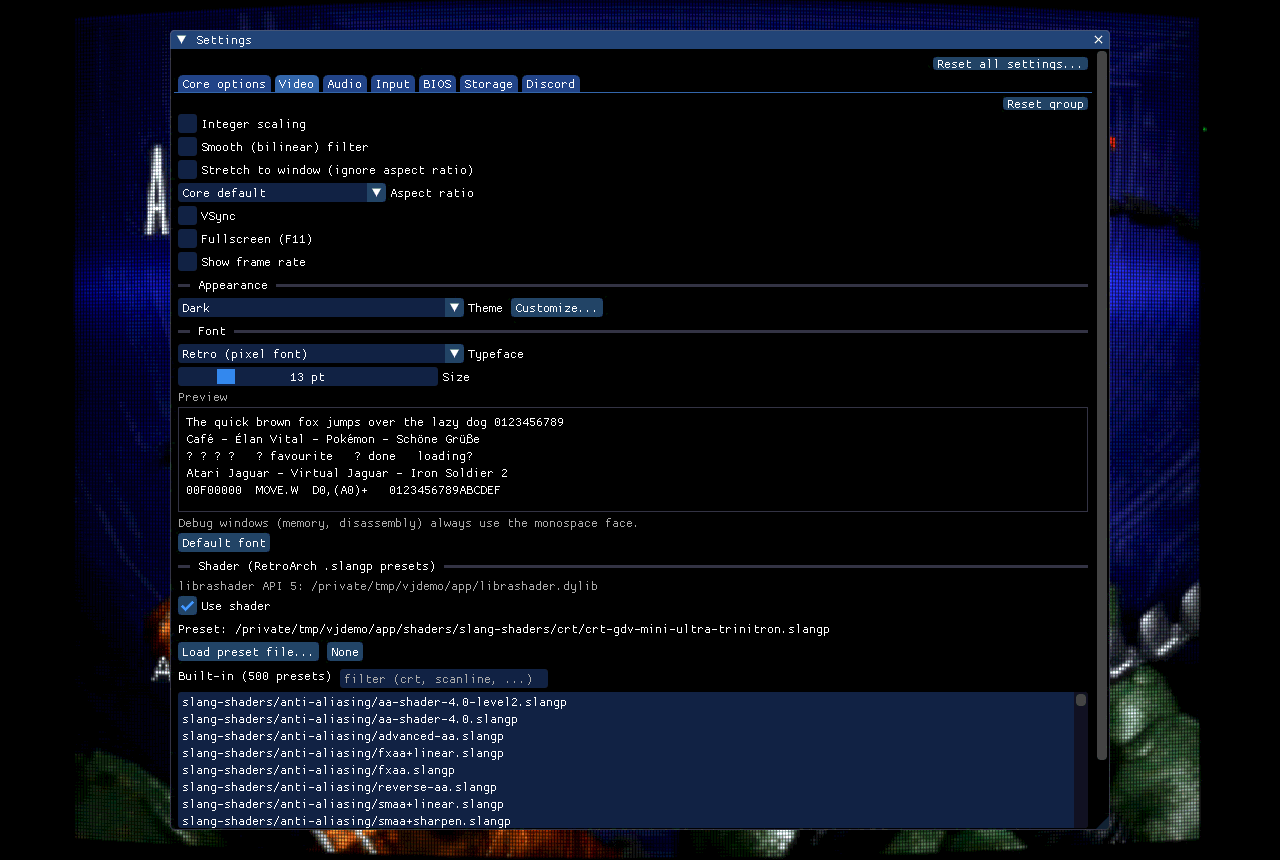
Shaders are optional: if a preset does not compile or librashader is missing, the app draws the plain picture and says why. Point Preset folder at a full slang-shaders checkout for the rest, and preset parameters get sliders. Platform notes: the macOS and Windows packages bundle the librashader runtime; upstream publishes no Linux build, so on Linux install a librashader package and the app finds it. The macOS universal package currently ships an arm64-only librashader, so shaders may be unavailable on Intel Macs (see the packaging notes).
RetroAchievements & Discord
- RetroAchievements: sign in from the Achievements menu; the login token lives in the system keychain, never your password. Softcore by default, optional hardcore (no loading states, no cheats).
- The Achievements window has your profile, the game’s list with badges, and a Jaguar games tab with your progress and a Play button for games in your library. Cartridges and
.cuediscs are identified. - Discord Rich Presence (Settings > Discord): shows the game you are playing, its box art, how long and your achievement progress, with a Get Virtual Jaguar button for other people. On by default, needs Discord running, and you can turn it off.
- See the privacy policy and terms for what the app sends where (box art and database downloads, RetroAchievements, Discord).
Developer tools
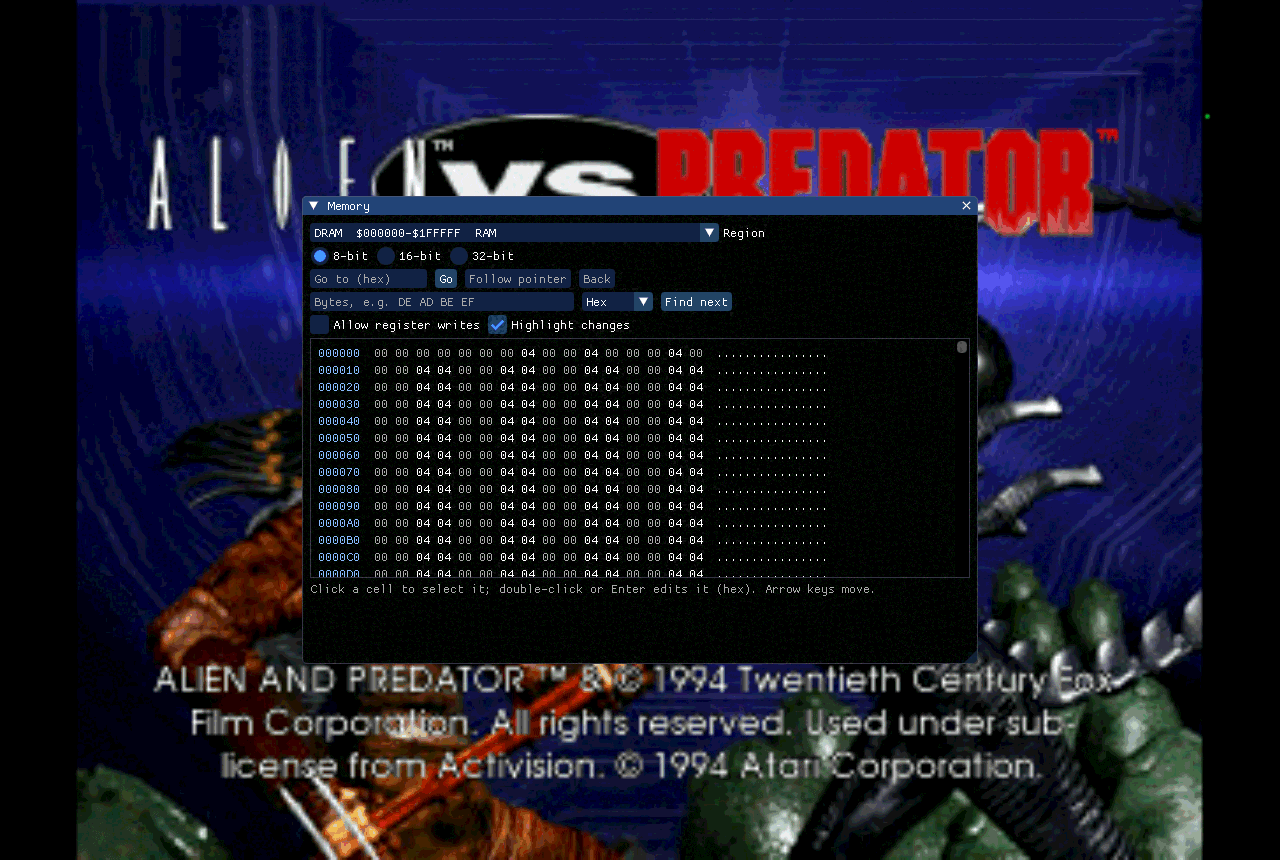
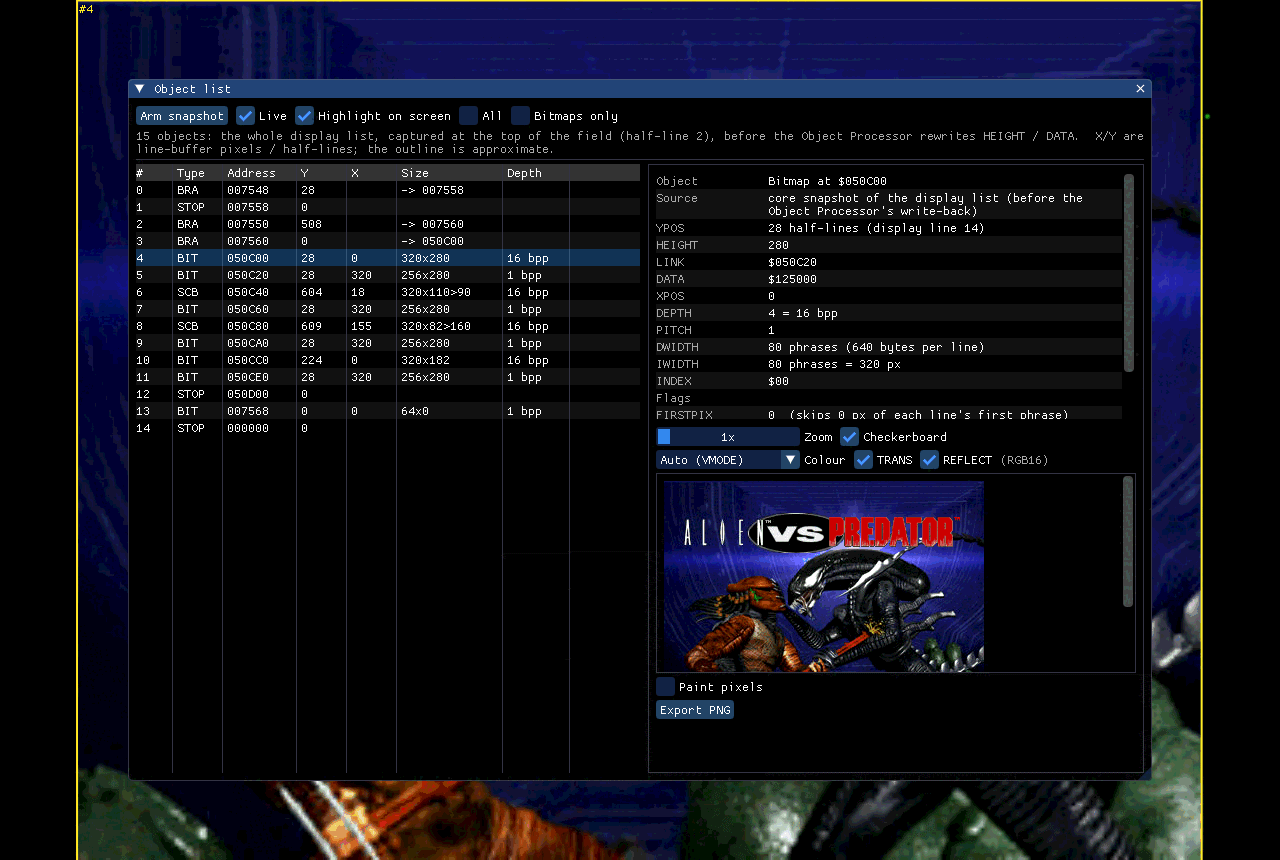
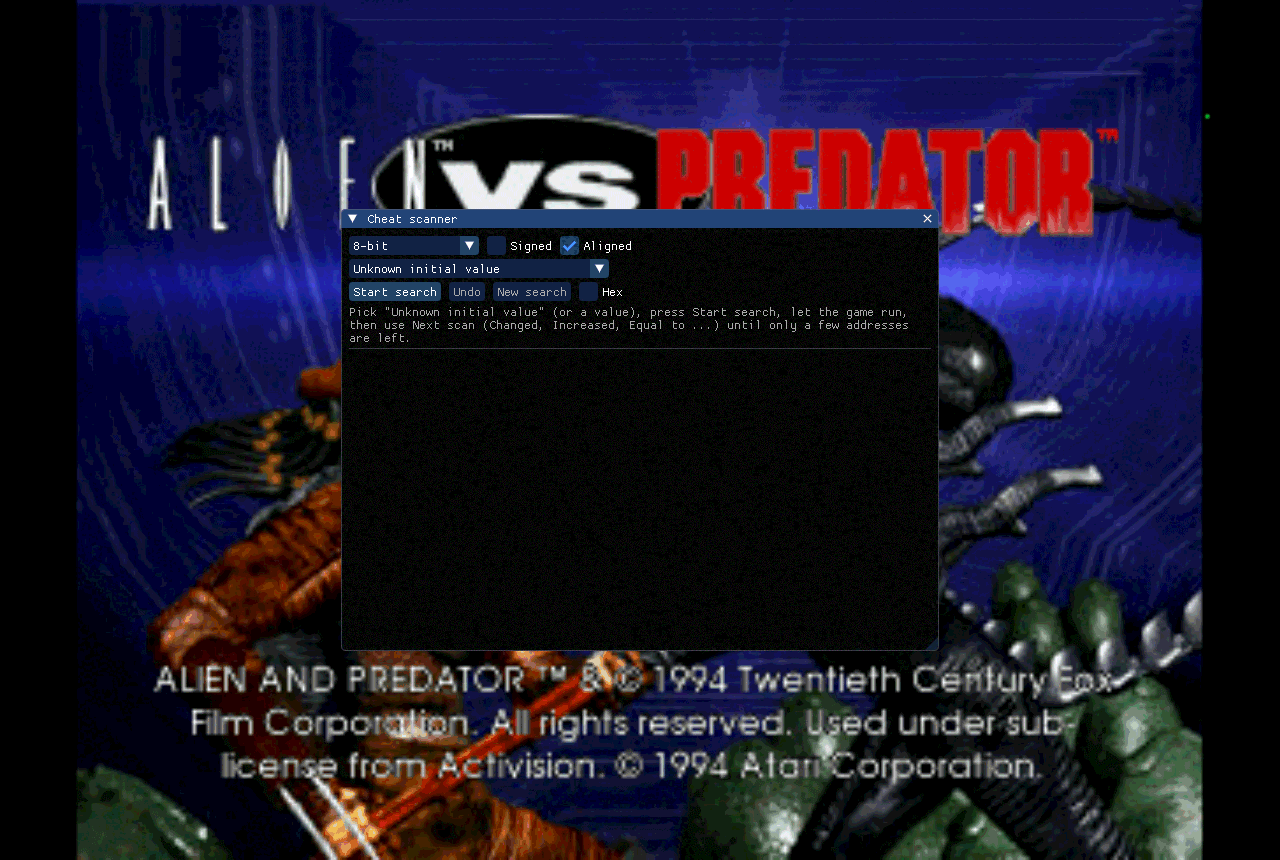
- A Tools menu for the game that is running: memory viewer and editor, palette (CLUT) editor, cheat scanner, Object Processor list, blitter log, texture browser and audio scope.
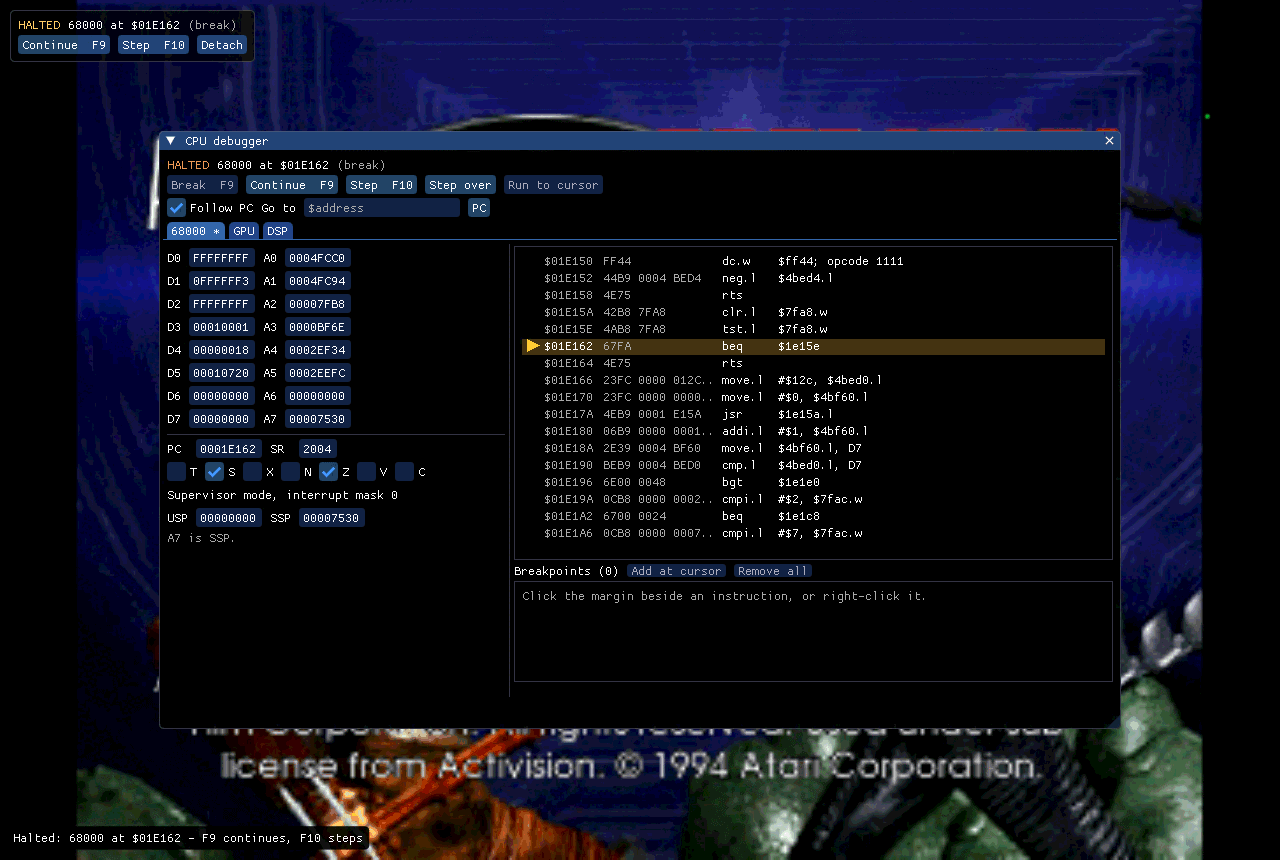
- A CPU debugger with 68000, GPU and DSP tabs: registers, disassembly, breakpoints, step, step over and run to cursor (F9 breaks, F10 steps).
- Writes go to RAM freely; hardware registers need a tick-box, and everything is off under RetroAchievements hardcore. RetroArch is unaffected.
More
- Controller details: the input devices guide and the app README. The link-cable details are in the netlink user guide and voice-modem.md.
- The app keeps its settings, saves and states in the per-user data folder (or beside the program in portable mode). Everything is listed in the app README.
- To build it yourself, see app/README.md: SDL3, Dear ImGui and OpenGL 3.3, CMake 3.20 or later.
- Questions and reports go in Discussions and Issues; mention that it is the app and the version shown in Help > About.